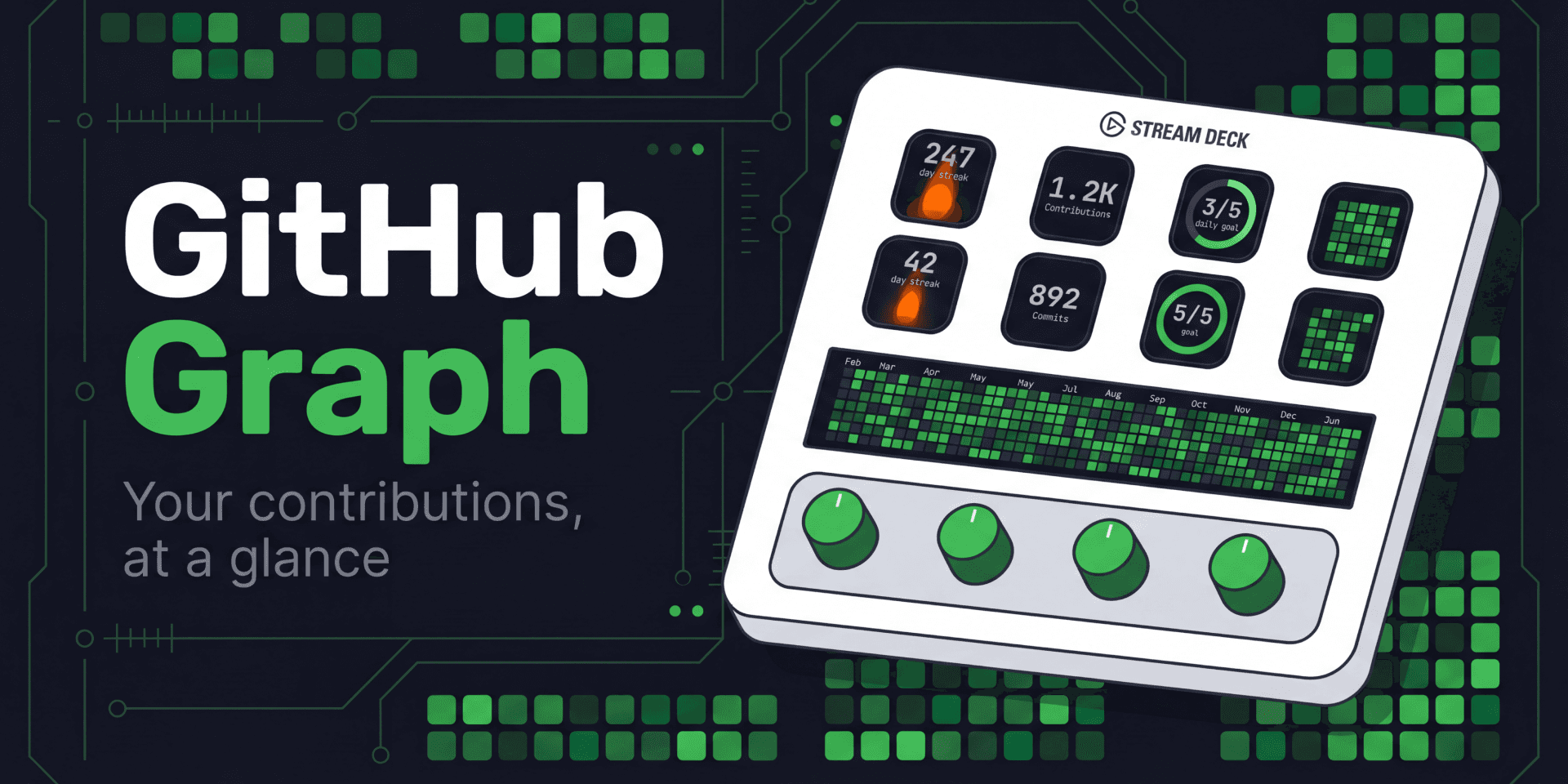
GitHub Graph
Your GitHub contribution graph, right on Stream Deck
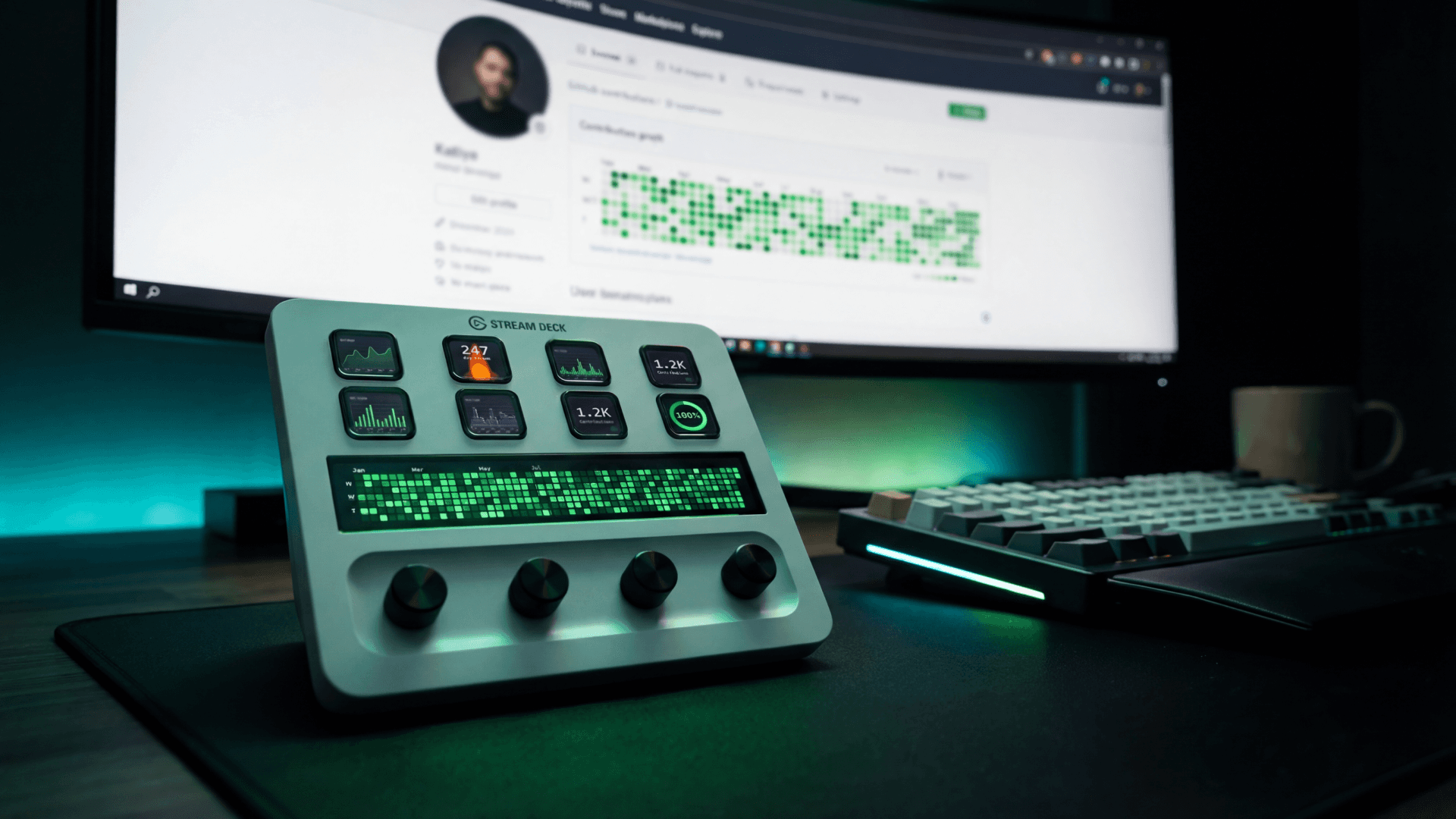
Overview
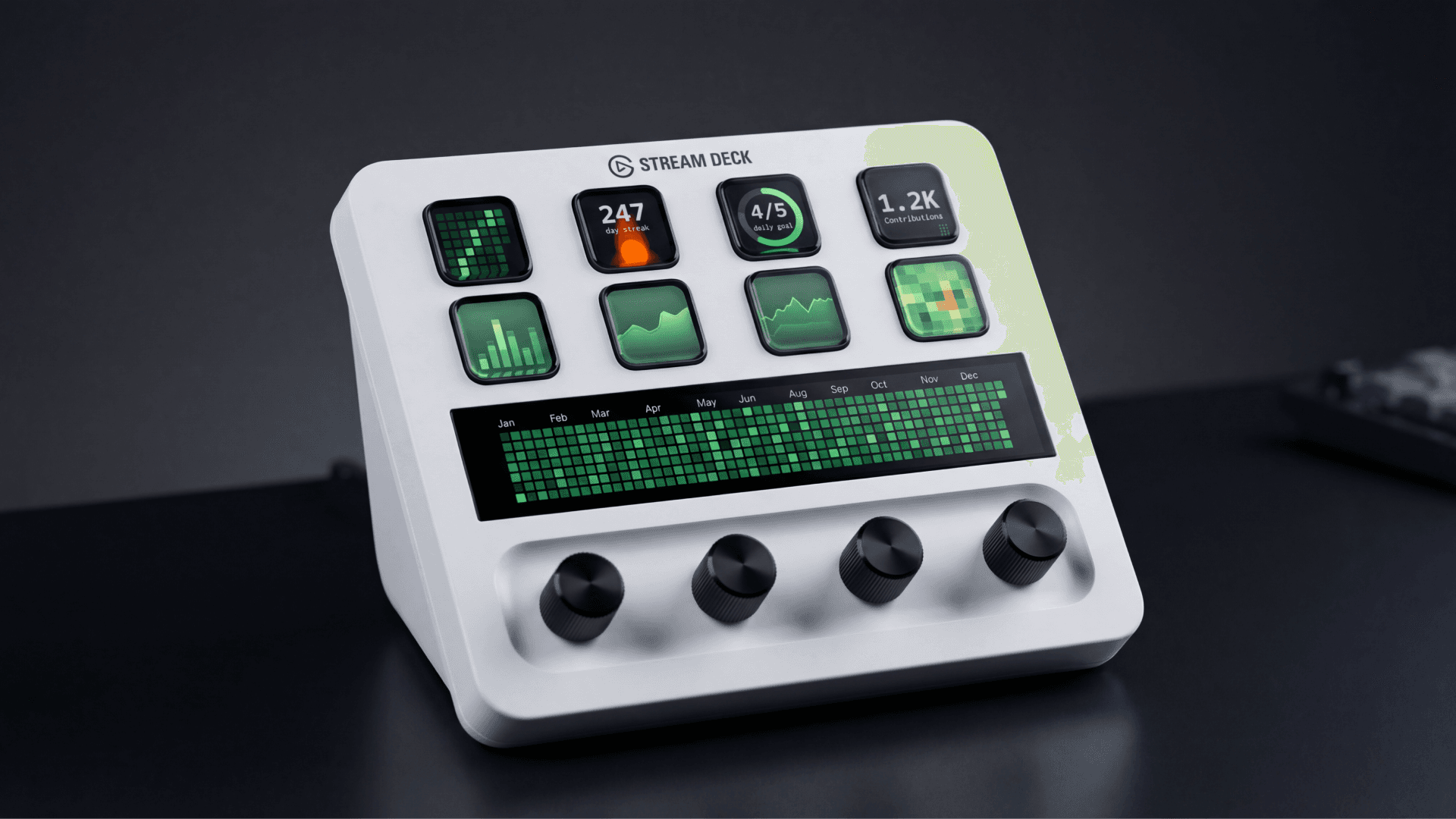
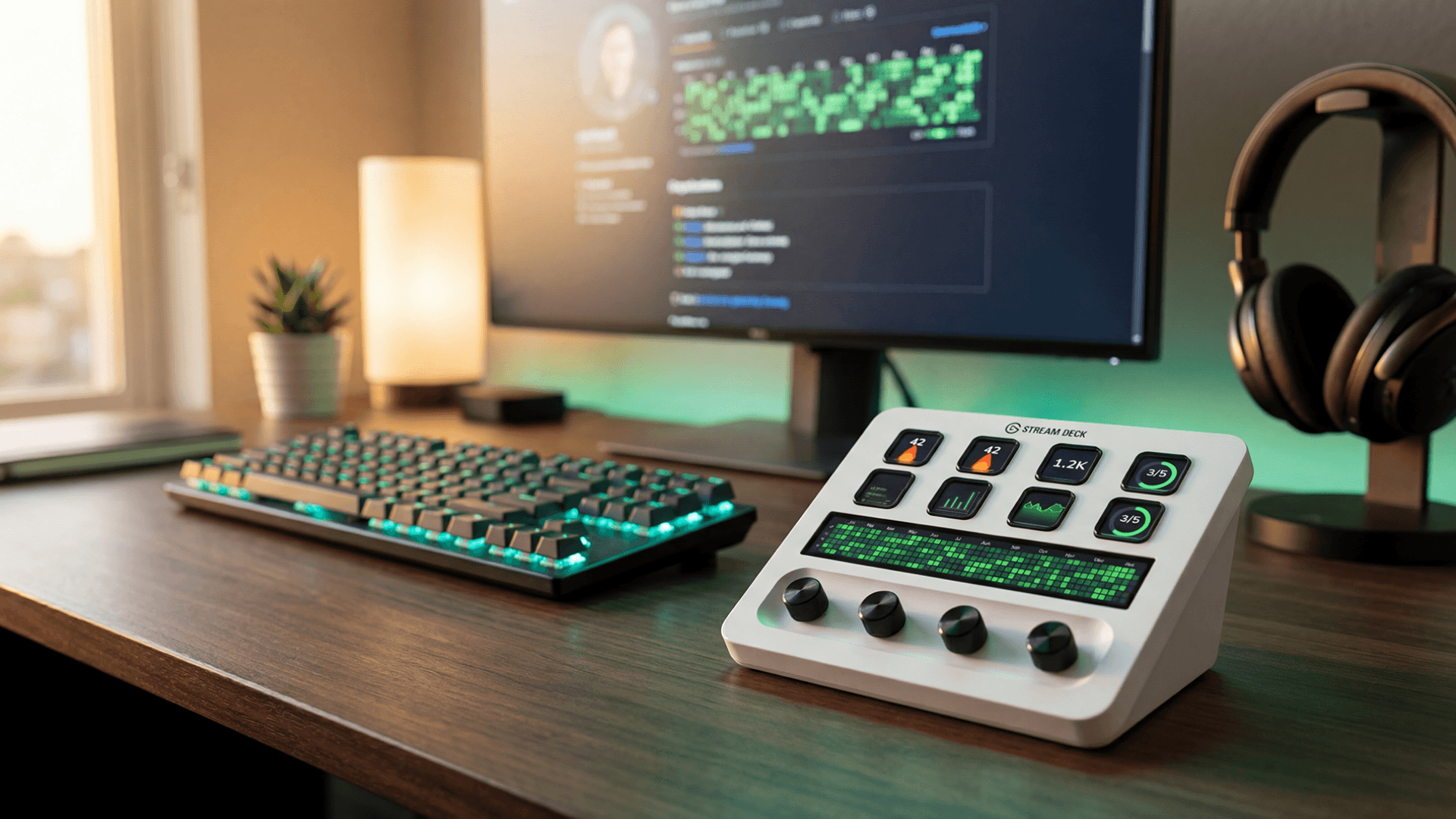
GitHub Graph puts your contribution history on the touch display so you can check your coding activity at a glance. It pulls data from the GitHub API using a Personal Access Token and shows both public and private contributions.
What's included:
Contribution graph (touch display, single dial). Rotate the dial to switch between time ranges: 7 days, 14 days, 4 weeks, 8 weeks, this week, and this month. Press to refresh. Tap to open your GitHub profile in the browser.
Full-width contribution graph (touch display, all 4 dials). Place Slots 1 through 4 left to right for an edge-to-edge view of your entire year. Slot 1 controls settings and the other three follow automatically. Rotate Slot 1 to change the year.
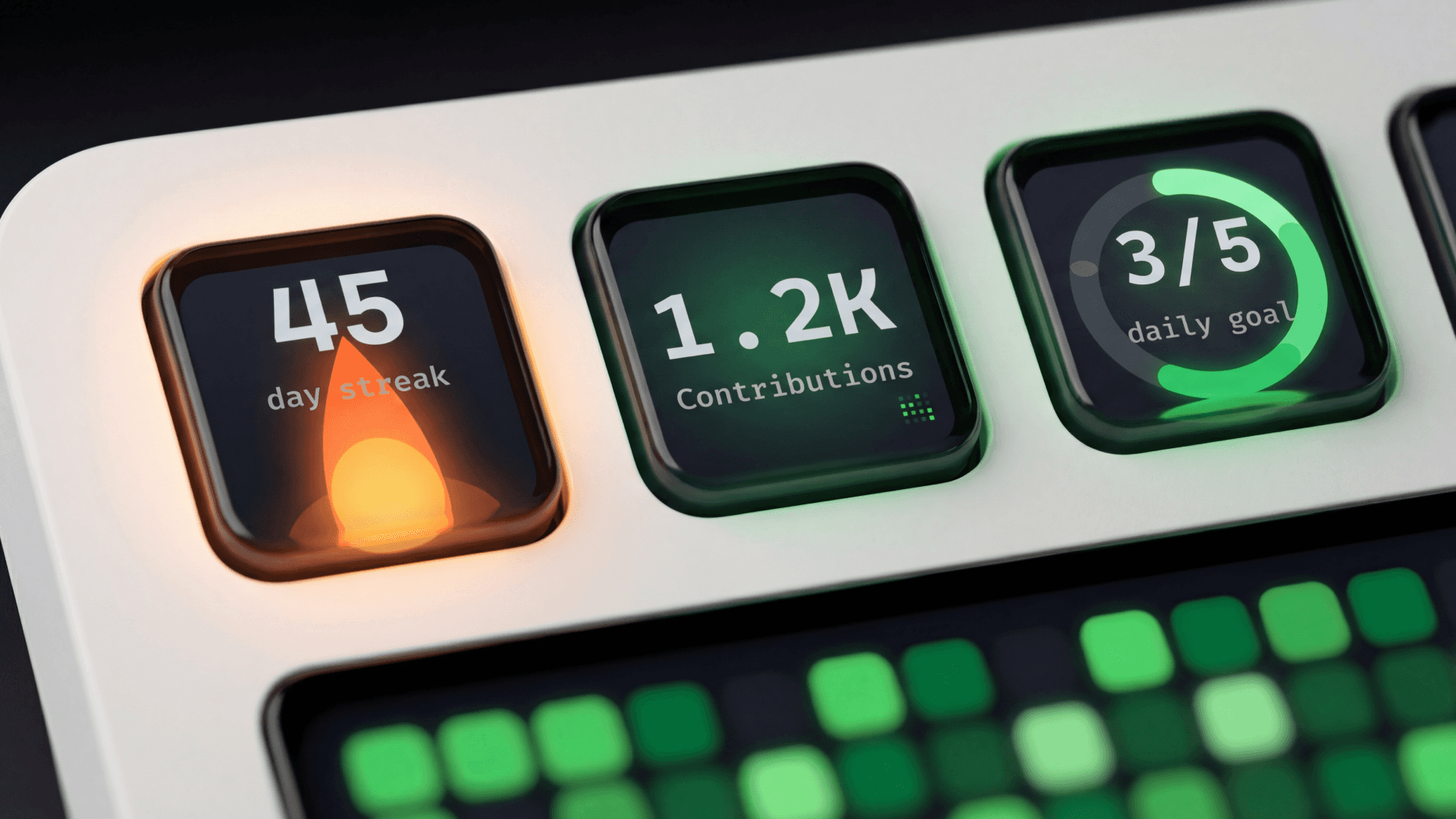
Streak counter (key). Tracks your current and longest contribution streak with animated flames that grow the longer you keep it going. Eight tiers: spark, kindling, flame, blaze, inferno, phoenix, legendary, and eternal. Supports daily, weekday-only, and weekly streak modes. Grace days let your streak survive if you skip a day.
Contribution stats (key). Shows total contributions for the year with a freshness indicator so you know how recent the data is.
Daily goal (key). Set a daily contribution target and watch a progress ring fill up. Hit the goal and a celebration animation plays.
Settings:
All settings auto-save. No save button needed.
Two themes: daylight and midnight
Refresh interval: 5, 10, 15, 30, or 60 minutes
Month and day labels on or off
Streak alert time: pick an hour (for example, 6 PM) and the key changes color if you have not contributed yet
Grace days: choose how many skip days per week are allowed without breaking your streak
Compatibility:
Touch display actions (contribution graph, full-width graph) require Stream Deck + (or any other Stream Deck devices with this capability)
Key actions (streak counter, stats, daily goal) work on any Stream Deck model
Stream Deck software 6.9 or later
macOS 13+ or Windows 10+
A free GitHub Personal Access Token (Classic) with read:user scope is required. Setup instructions are inside the plugin settings.
Good to know:
Data refreshes on a timer you choose (default 15 minutes). This is not a live feed.
Private contributions show up when you use your own token.
The full-width graph uses 4 dial slots. You can use fewer, but it looks best edge to edge.
Specifications
Full-width, touch screen contribution graph
Daily goals
Streak counter